
Lighting Control System Services Design, Installation, Maintenance
Explore Williams Lighting Controls Services, LLC' comprehensive lighting control solutions, including design, installation, maintenance, and troubleshooting for commercial buildings nationwide.
Bringing Clarity and Control to Every Project.
Safe-Trusted-Expert
Lighting Controls Services Nationwide
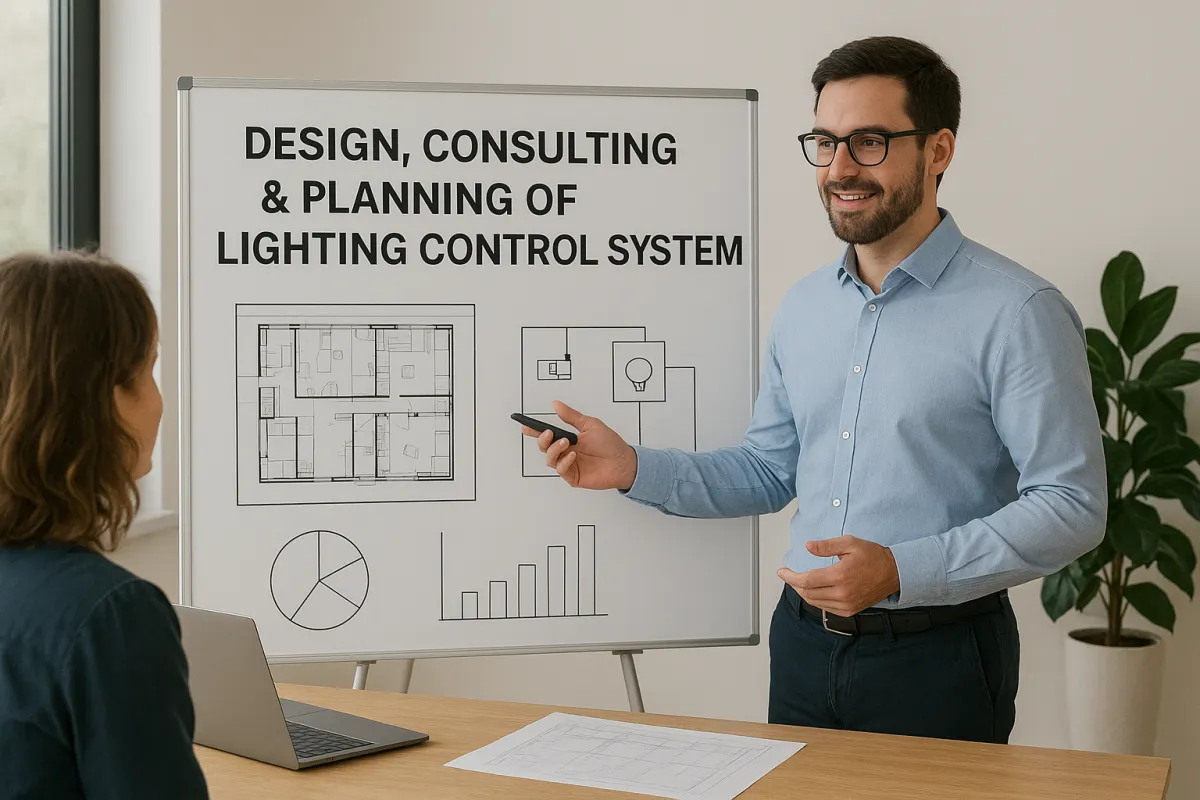
Design, Consulting, & Planning
Expert lighting control design, consulting, and planning tailored to each project, delivering innovative, efficient, and reliable solutions that bring commercial and residential spaces to life.
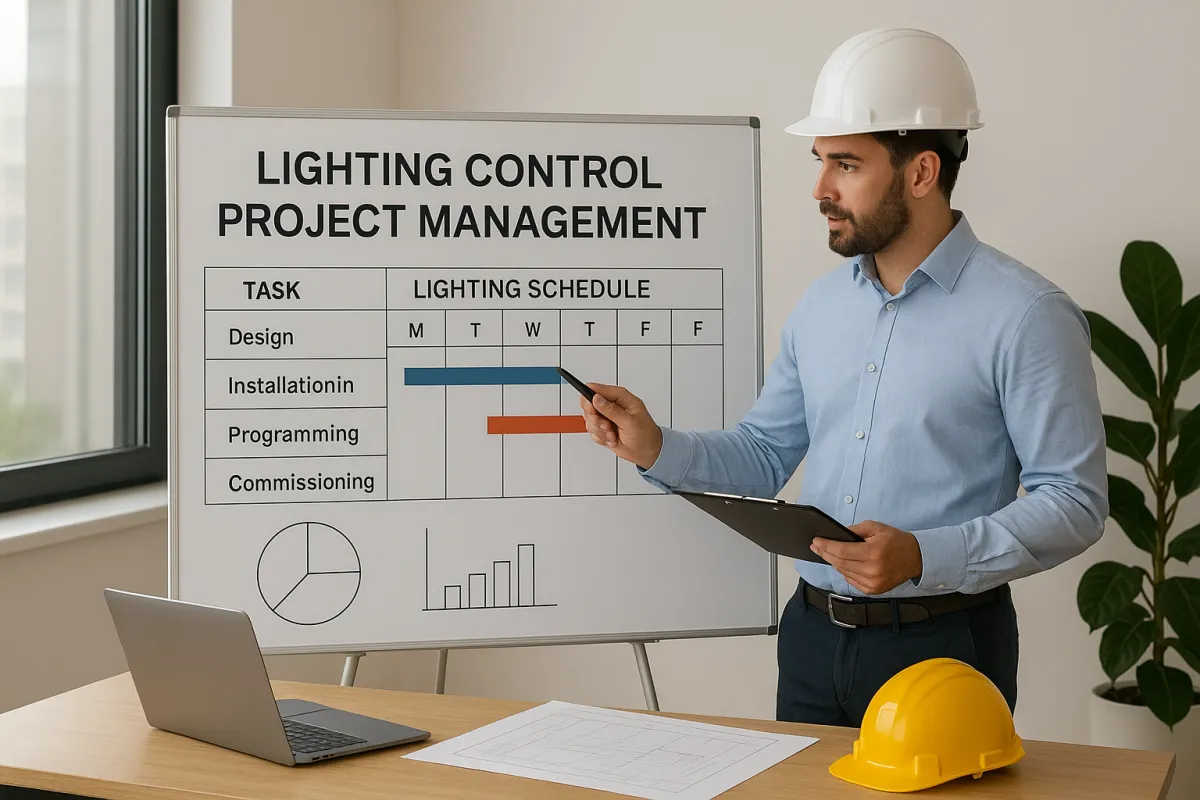
Project Management
Professional lighting control project management that ensures seamless coordination, on-time delivery, and precise execution from system design through installation and completion.
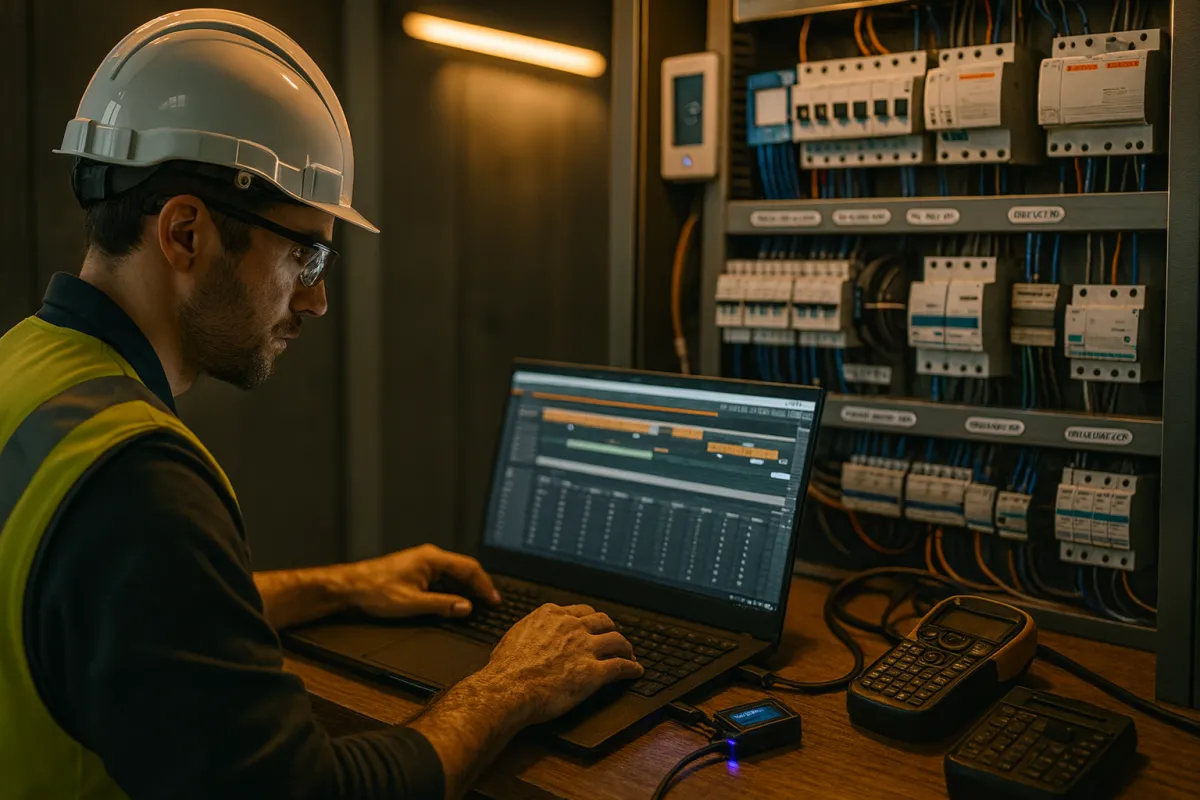
System Start-Up Services
Comprehensive system start-up services to ensure your lighting control systems are fully configured, tested, and commissioned for peak performance and reliability.
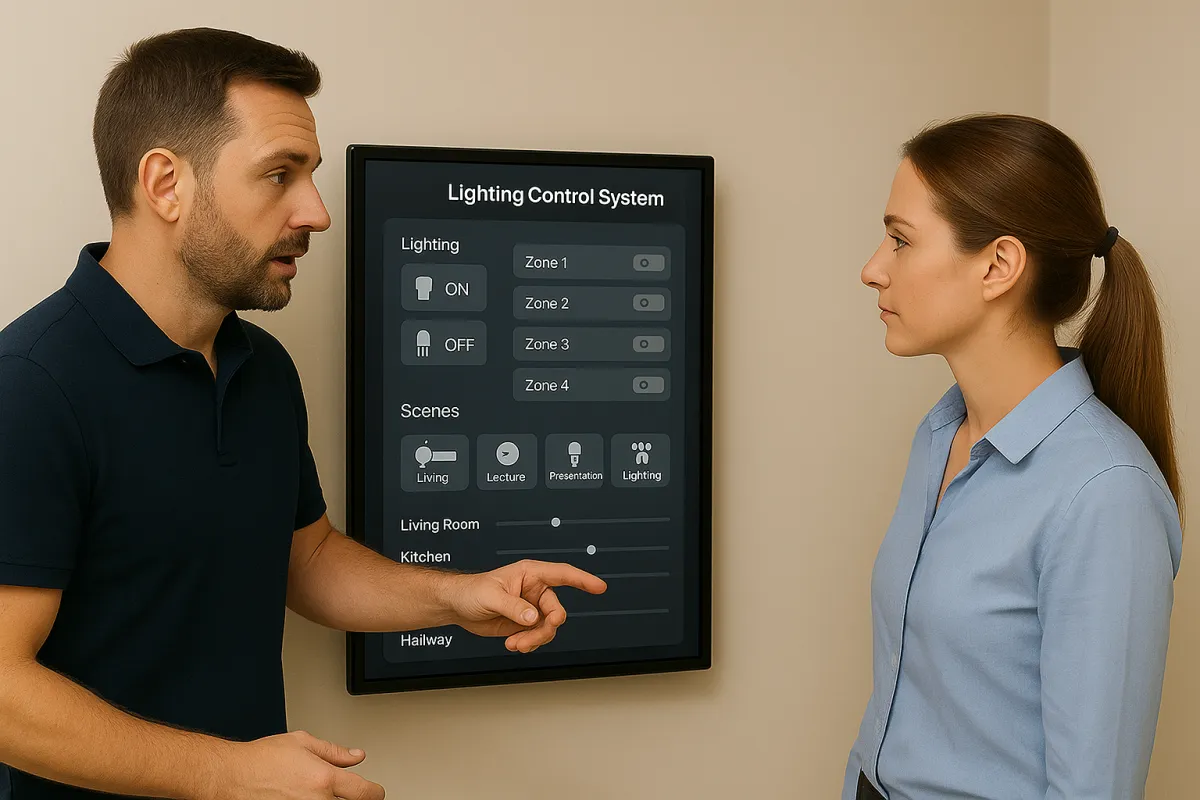
End User Training
Hands-on lighting control end user training that empowers clients with the knowledge and confidence to operate their systems efficiently and effectively.
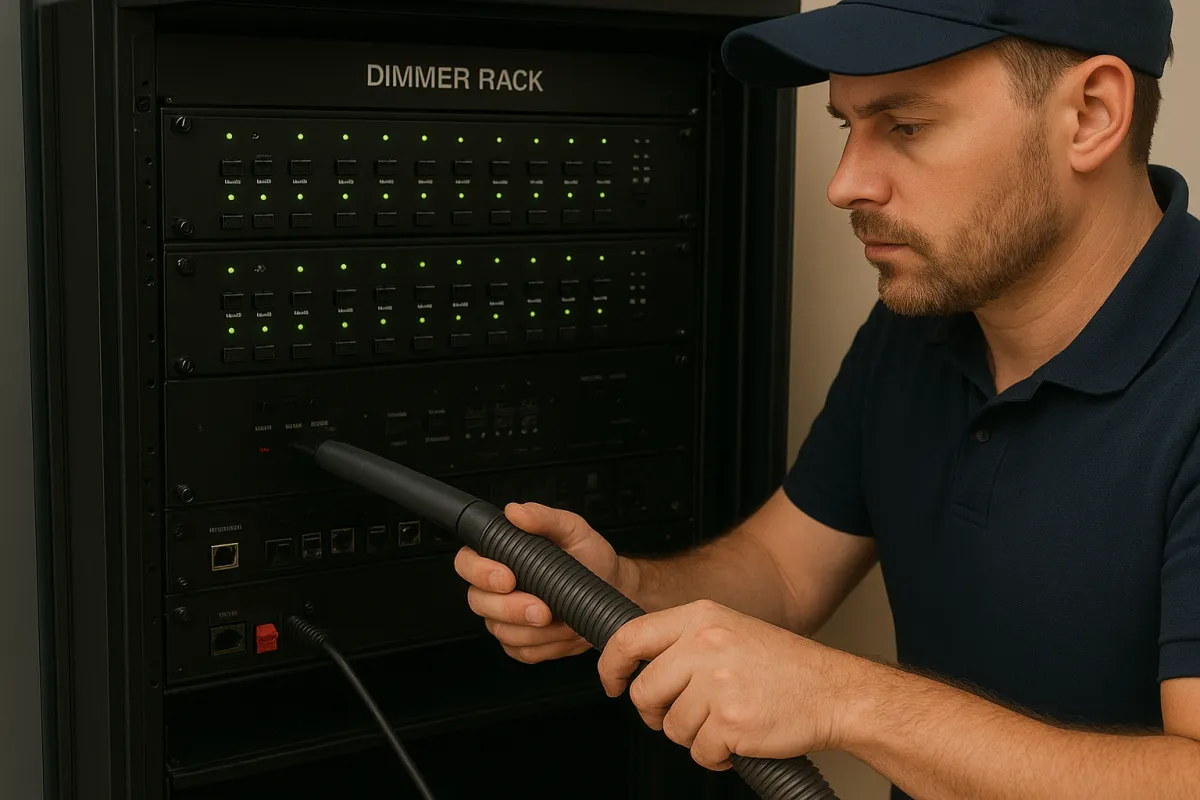
Maintenence Programs
Comprehensive maintenance programs for lighting control systems, offering proactive care, rapid support, and optimized performance to keep your commercial spaces operating flawlessly and shining bright.
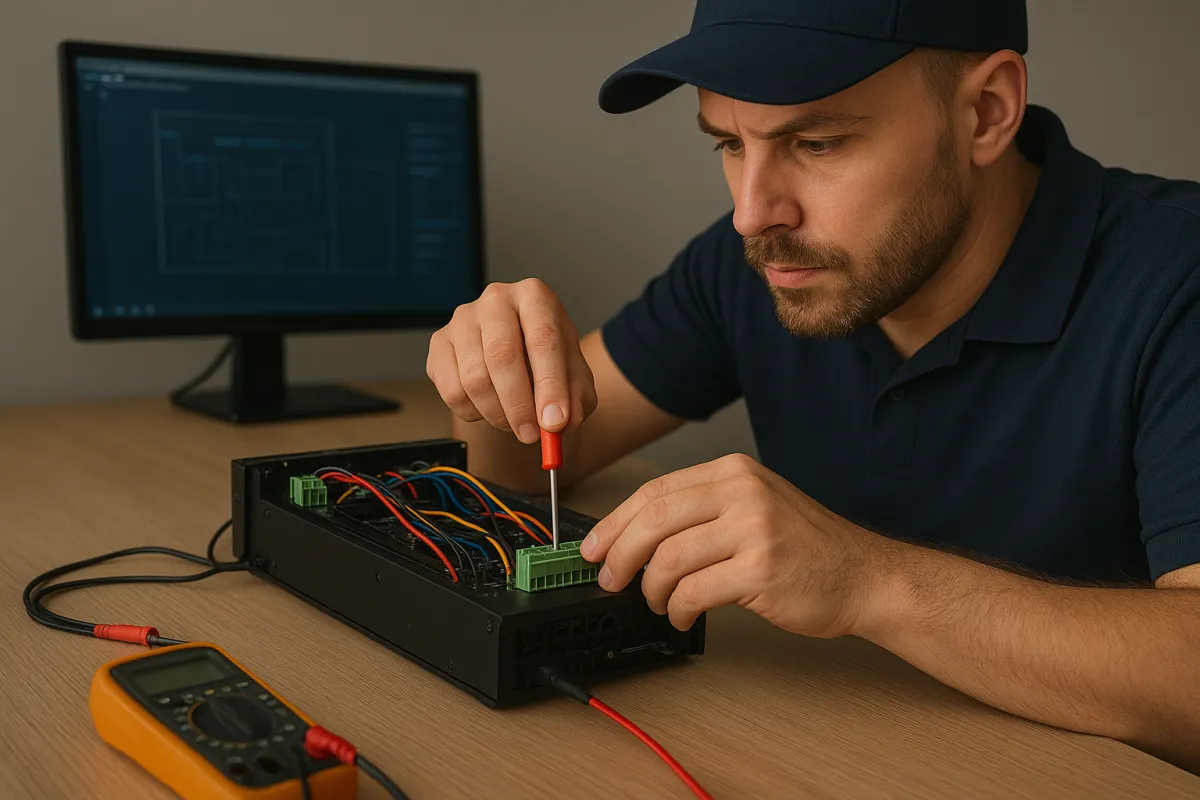
Troubleshooting & Repairs
Expert troubleshooting and repair services for lighting control systems, providing fast, accurate solutions that restore performance and minimize downtime in commercial and residential spaces.
Global leaders we serve










Legrand - Color Kinetics - Interact - Vantage - RAB - ETC - Interact - Leviton - MW Connect
96%
of design-build projects’ preliminary estimates came within 3% of the final cost.
97%
of our projects were completed by the original contracted completion date.
2500+
projects were completed by the team of with top notch quality.
Commonly Asked Questions
Why do my lights not turn on anymore when I walk in the room?
A: Recent energy code updates now require that sensors in offices, storage rooms, and similar spaces operate in Vacancy mode rather than Occupancy mode. This means sensors no longer automatically turn lights on—they simply ensure lights are turned off when spaces are unoccupied. According to the International Energy Conservation Code (IECC), only public spaces such as corridors, lobbies, and restrooms may auto-on. All code-required areas must shut off lighting within 20 minutes of vacancy. During construction, a third-party commissioning agent verifies compliance with design intent before owner turnover. After turnover, unless your building seeks ongoing LEED credits, the system is yours to adjust. That’s where Williams LCS can help—we specialize in fine-tuning systems after the engineer of record signs off, ensuring your lighting controls meet both code and your personal standards. Contact us today to customize your system for comfort, compliance, and efficiency.
Why do those lights by the window keep adjusting throughout the day? Is my building haunted?
A: Your space may have a daylight harvesting sensor, often called a daylight sensor. Its job is to monitor natural light entering the room—or the total light level, depending on the sensor type—and adjust fixtures accordingly. It primarily controls the “Primary Daylight Zone,” the area nearest the windows, while newer codes also require a “Secondary Daylight Zone” just beyond it. As outdoor light increases, the sensor dims these zones proportionally based on distance from the windows, maintaining balanced illumination between natural and electric light. When daylight decreases, the fixtures brighten to keep lighting consistent. This adjustment is an IECC requirement for spaces that meet certain watts-per-square-foot thresholds. If lighting changes feel too abrupt, it’s more likely due to calibration than ghosts haunting your building. Williams LCS can fine-tune your system for smoother performance and a better occupant experience. Contact us today for a quote!
My lights are programmed for Occupancy (Auto On), but sometimes they do not turn on automatically when I walk in the room. What is going on?
A: Most lighting control systems consist of three basic parts: a load controller, a keypad/switch/dimmer, and a motion sensor. Sometimes these are combined into a single wall-box occupancy sensor, while other times they are separate components. A common feature across nearly all manufacturers is “Presentation Mode.” This mode recognizes a manual “off” at the switch and requires the sensor to fully time out, or go vacant, before it can trigger occupancy again. The benefit is that a presenter can turn lights off to show a video, move around freely, and not worry about the lights turning back on automatically. Once finished, they can manually restore lighting, or if the room remains empty until the sensor’s timeout (say 20 minutes), the next entry will trigger auto-on. In your case, someone turned the lights off manually, re-entered during the timeout, and reset Presentation Mode. This is why best practice is to let the sensor time out naturally. Some wall-mount sensors even allow Presentation Mode to be disabled, such as in restrooms.
I have an occupancy sensor in my room and the lights keep cutting off every 2-3 minutes. Electrician swears it is set for 20-30 minutes. What is going on?
A: Your sensor is currently set to the infamous “Walk-Thru Mode”! This isn’t necessarily a bad mode, but it’s often misunderstood. What usually happens is someone tries to set the device for Auto On, doesn’t realize that’s not an actual sensor option, and accidentally enables Walk-Thru. The name can be misleading—it sounds like something that needs to be on—until I explain it. Walk-Thru means: if no motion continues after 30 seconds, the lights shut off in 3 minutes, no matter what time delay is set. If motion continues past 30 seconds, the sensor then uses the programmed delay. The problem comes when someone enters, sits at a desk, and makes only small movements. Those aren’t detected quickly enough, so the sensor thinks the room is empty and the lights cut off after 3 minutes. Essentially, Walk-Thru is intended for areas like restroom vestibules, where people pass through briefly but don’t remain for long.

Our team is here to answer your questions and help you get started on turning your vision into reality.
follow us on social media


Navigating the complexities of lighting systems with Safe, Trusted, and Expert personalized guidance.
© 2026 . All rights reserved.